

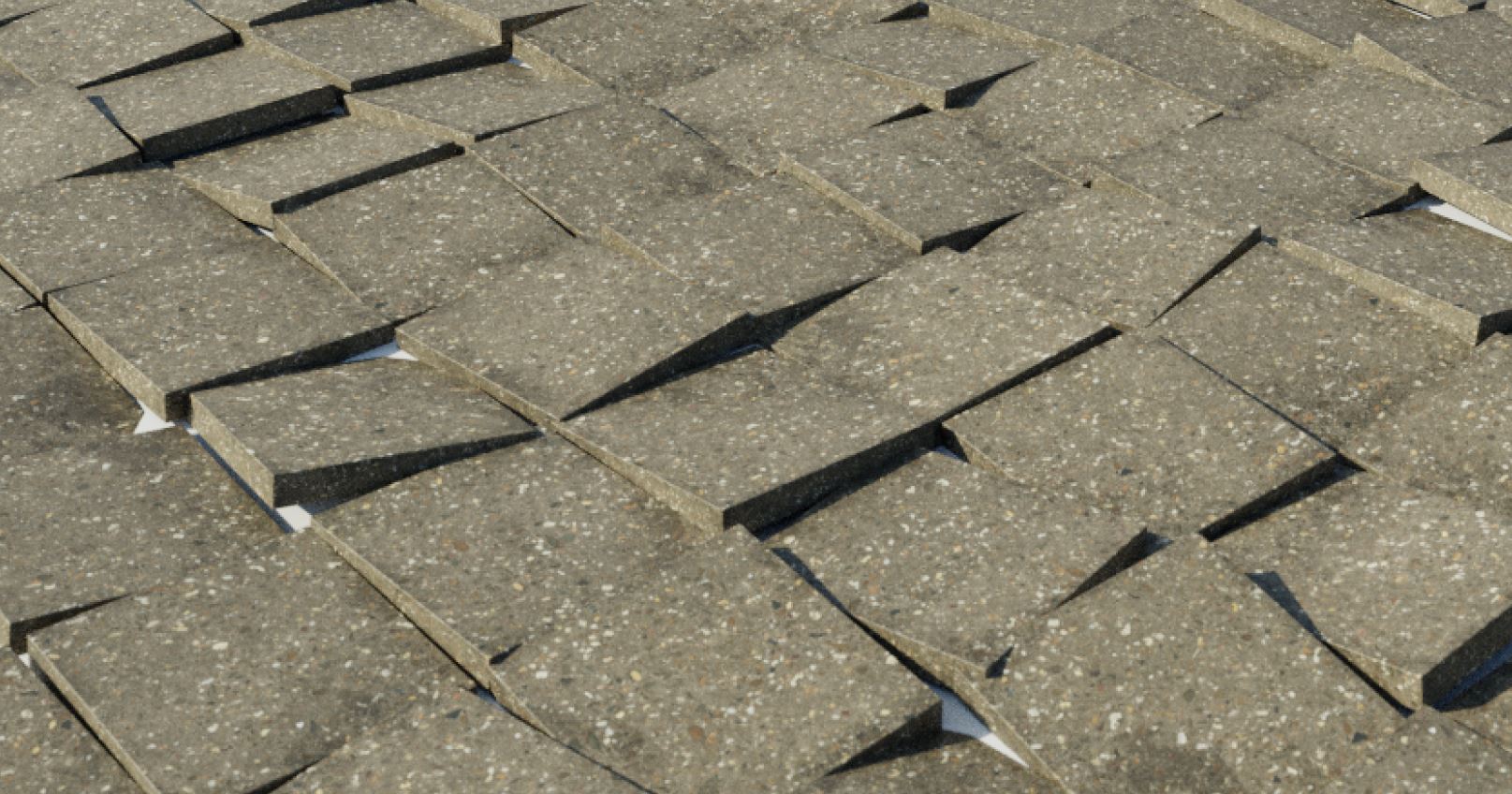
iMeshh Floor Generator v2
More in depth tutorial coming soon! – Bug found with herringbone. We are looking into this now!
The iMeshh Floor Generator v2 is a substantial upgrade from the previous version. It offers increased performance, a wider range of customization options, and includes a robust material shader suitable for various projects.
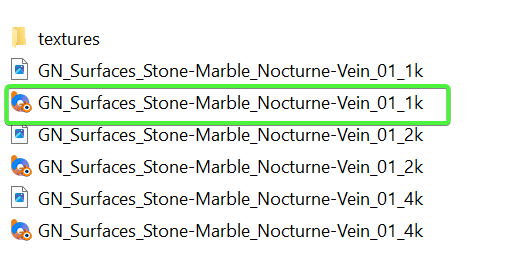
Important Note on Texture Resolution
Selecting the 4K texture option is generally unnecessary for most use cases—1K resolution usually provides ample quality. Each material consists of five textures (roughness, diffuse, and normal), meaning a 4K setting generates 15 high-resolution textures per material. Opting for 1K will efficiently suit the majority of scenarios.
Adjusting Tile Locations Of Tiles
To precisely control tile placement, start by applying the Geonodes modifier to your shape or plane. Next, add a single standalone vertex in the object. The Geonodes modifier will then use this vertex as an anchor point, allowing easy fine-tuning of tile starting positions.
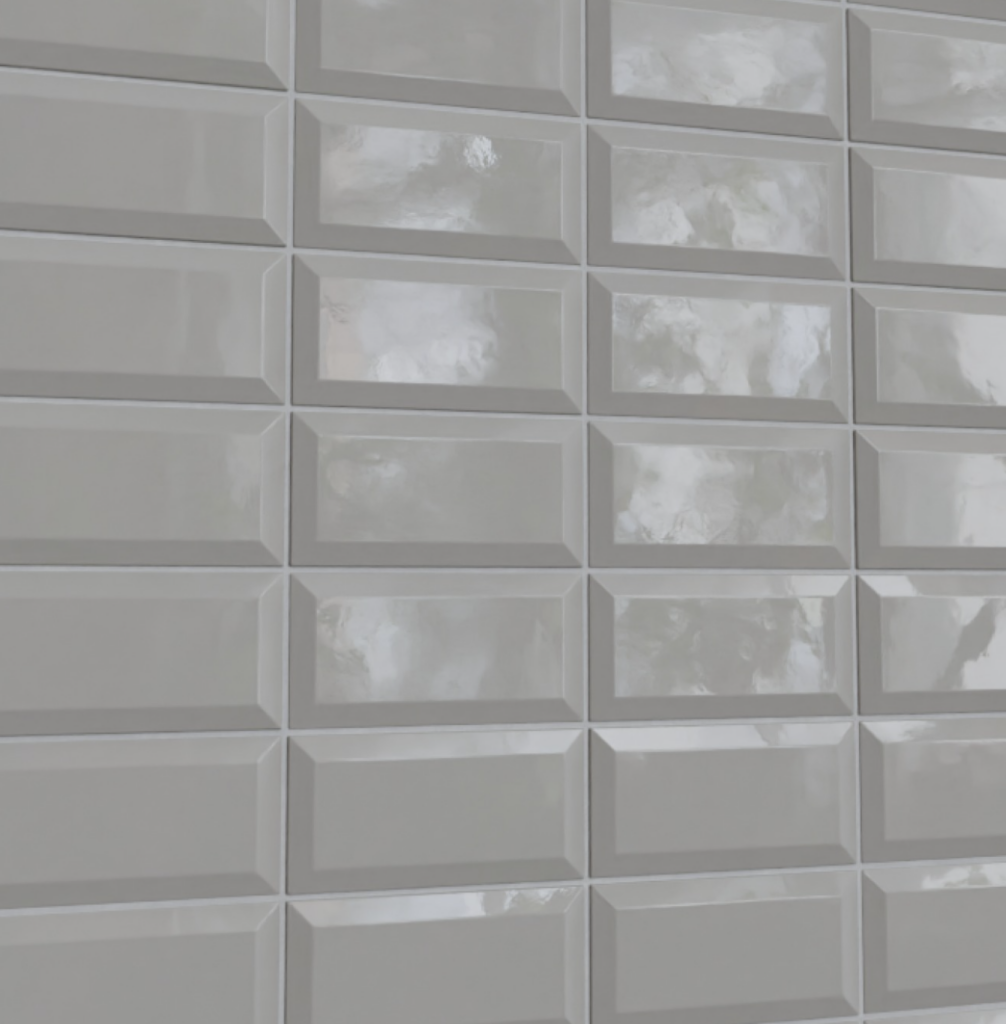
Inset Scale
The Inset Scale feature adds a neat inset to your tiles, making it perfect for creating metro-style tiles with minimal effort.
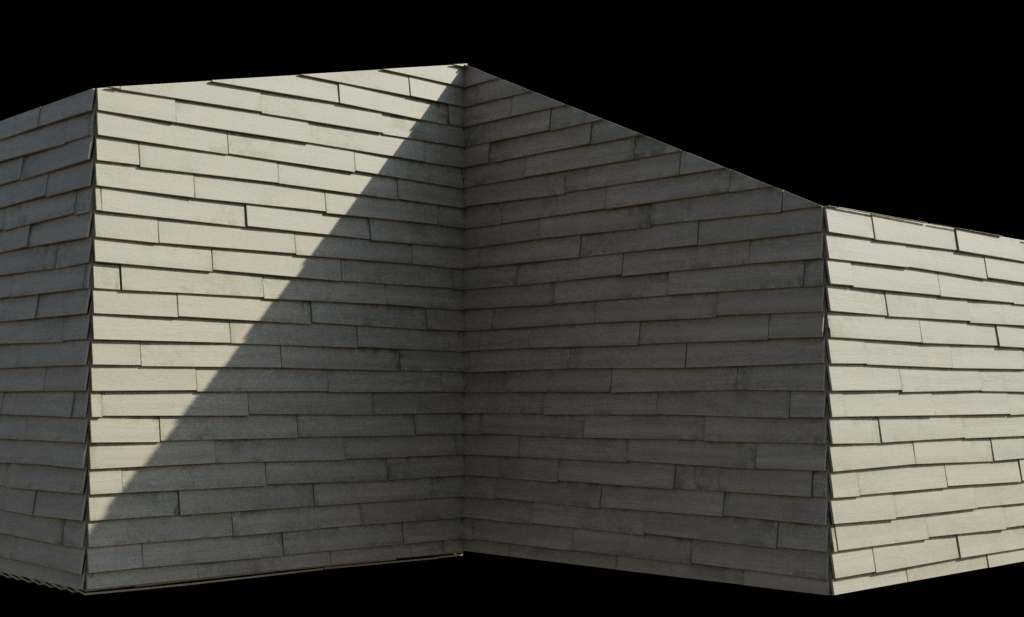
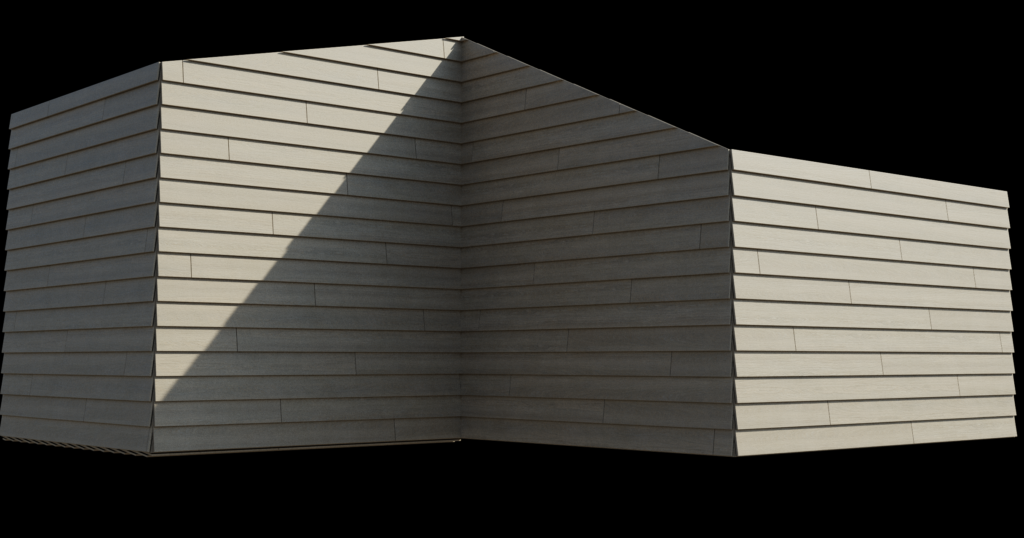
Clapboard Siding
Clapboard siding provides a stylish solution for exterior wood surfaces. The tool automatically sets the rotation based on plank height, with an additional manual rotation setting available if further adjustments are needed.
Trim
BROKEN IN 4.5 – Working on a fix now, look out for UPDATE in the asset manager – 4.5 seems to have broken quite a lot of Geonodes systems 🙁
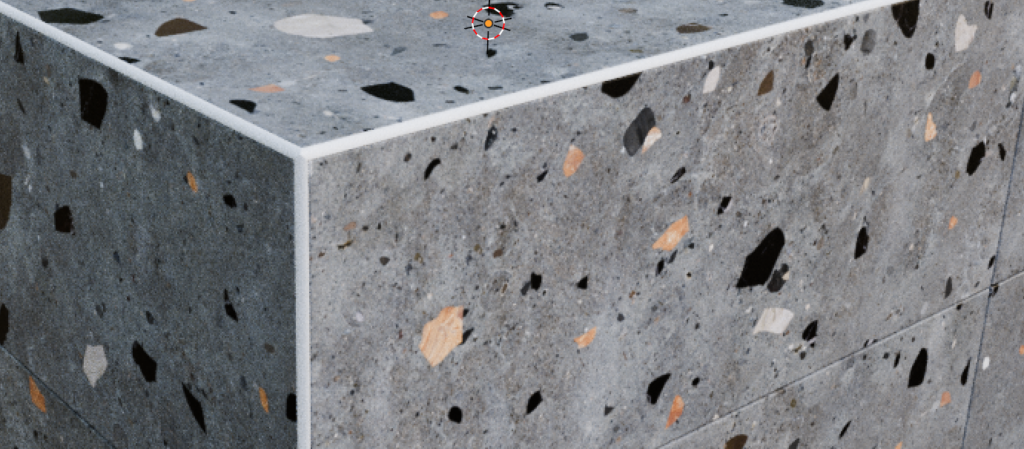
Tile corners often require a protective trim to avoid sharp edges. The Trim feature automatically adjusts its size to match tile height, offering multiple trim size options. You can also specifically select which edges to trim by using the attribute button.